

This feature allows you to install and manage extensions for browser profiles. For example, after you install wallet extensions like Phantom, Rabby, or Martian in the Extension management page, every browser profile created by KeeperAgent will automatically include the Phantom, Rabby, and Martian extensions.Documentation Index
Fetch the complete documentation index at: https://docs.keeperagent.com/llms.txt
Use this file to discover all available pages before exploring further.
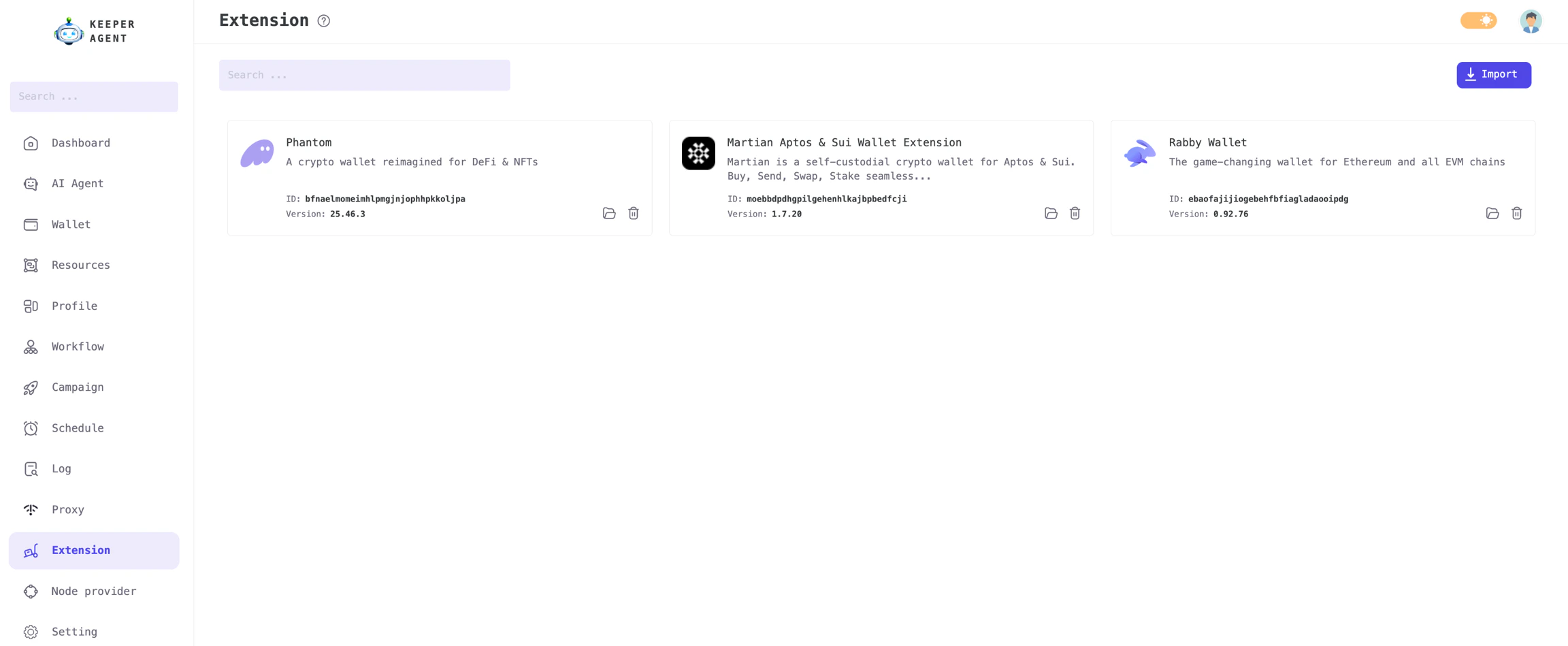
Extension management
How to import extensions
You can import any extension from the Chrome Web Store simply by entering its link and clicking Import. Our app will automatically download the extension, and all future browser profiles you create will include the newly imported extension. For example, to add the Rabby wallet, just enter https://chromewebstore.google.com/detail/rabby-wallet/acmacodkjbdgmoleebolmdjonilkdbch and click Import.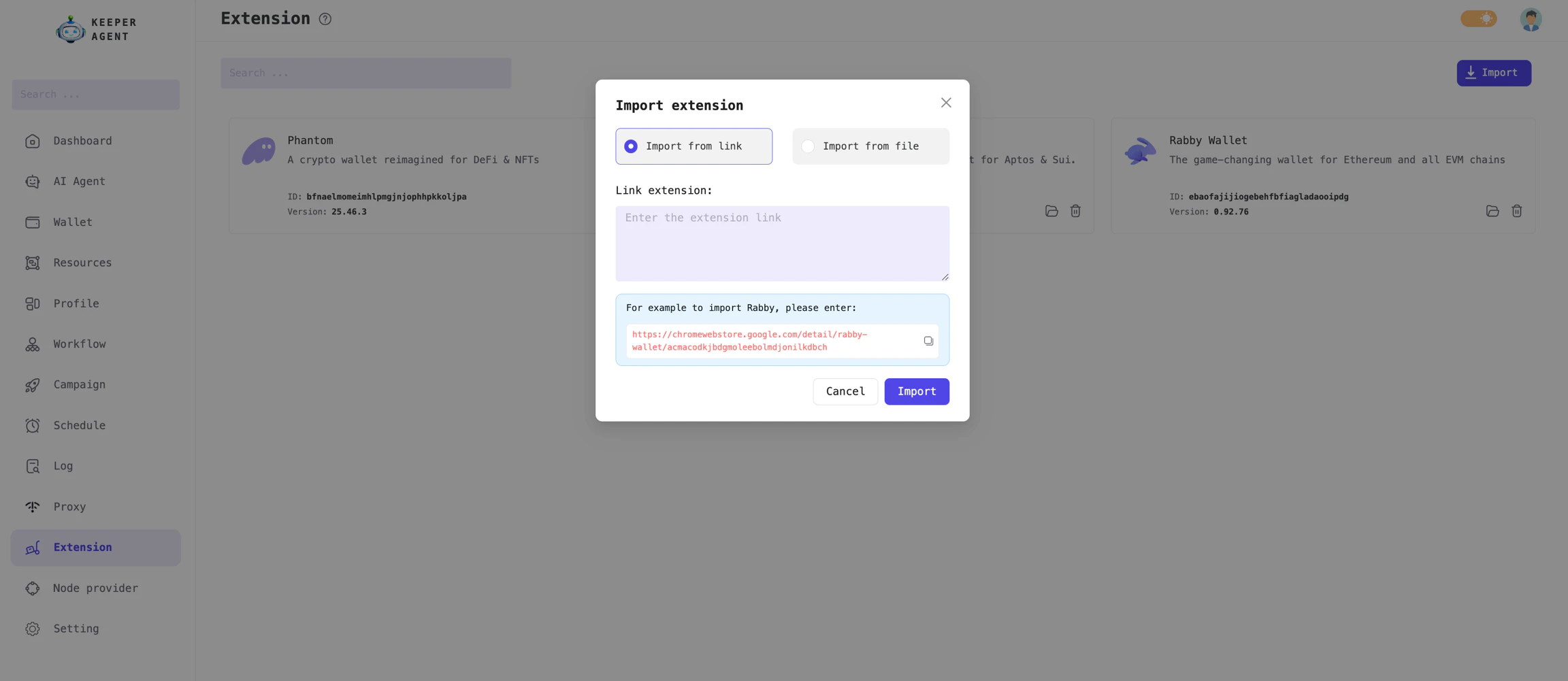
Import any extension