

Documentation Index
Fetch the complete documentation index at: https://docs.keeperagent.com/llms.txt
Use this file to discover all available pages before exploring further.
Creating a new Processor
You can create a new Processor by dragging and dropping from the Processor panel into the workflow editor.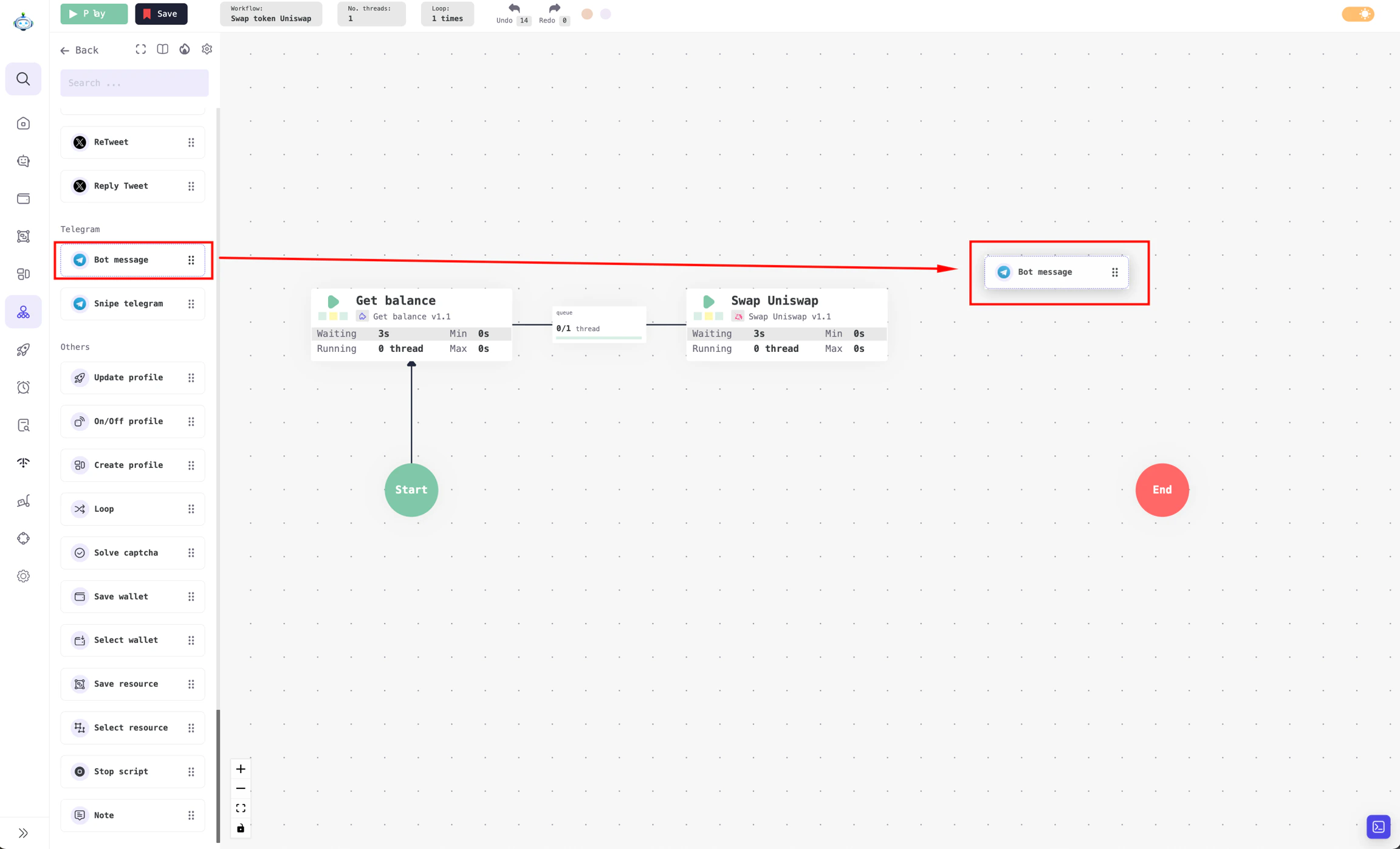
Drag and drop to create a new Processor
Connecting Processors
Step 1: To connect Processors, hover your mouse over the source Processor to reveal a purple arrow icon.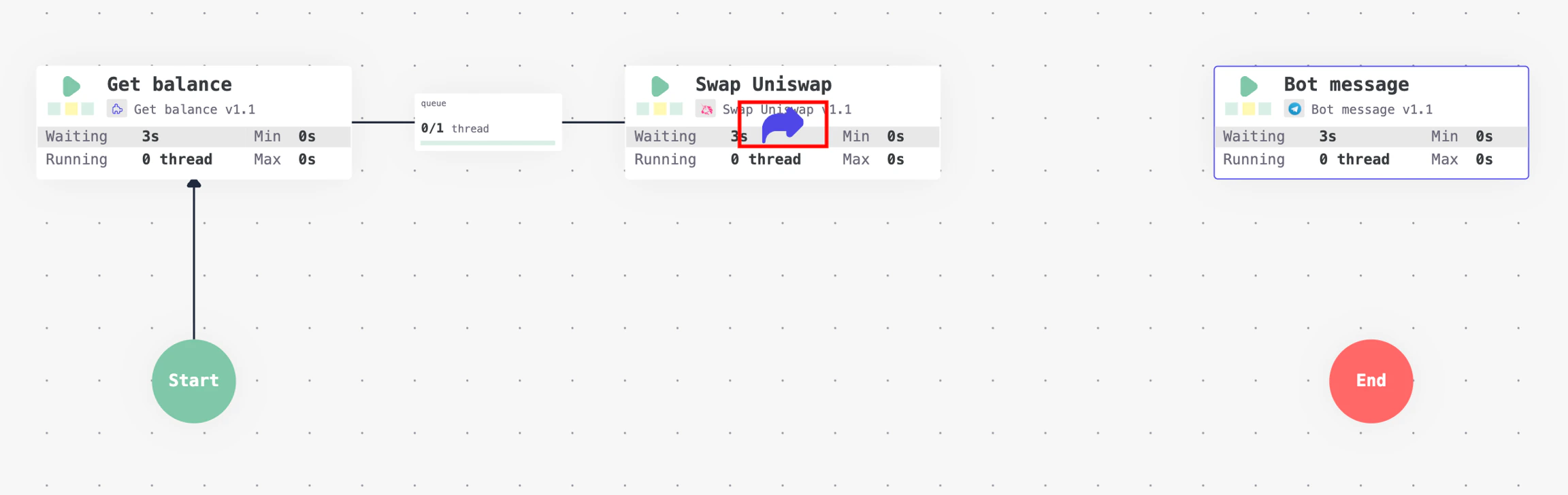
Hover over the Uniswap swap Processor to reveal the arrow icon.
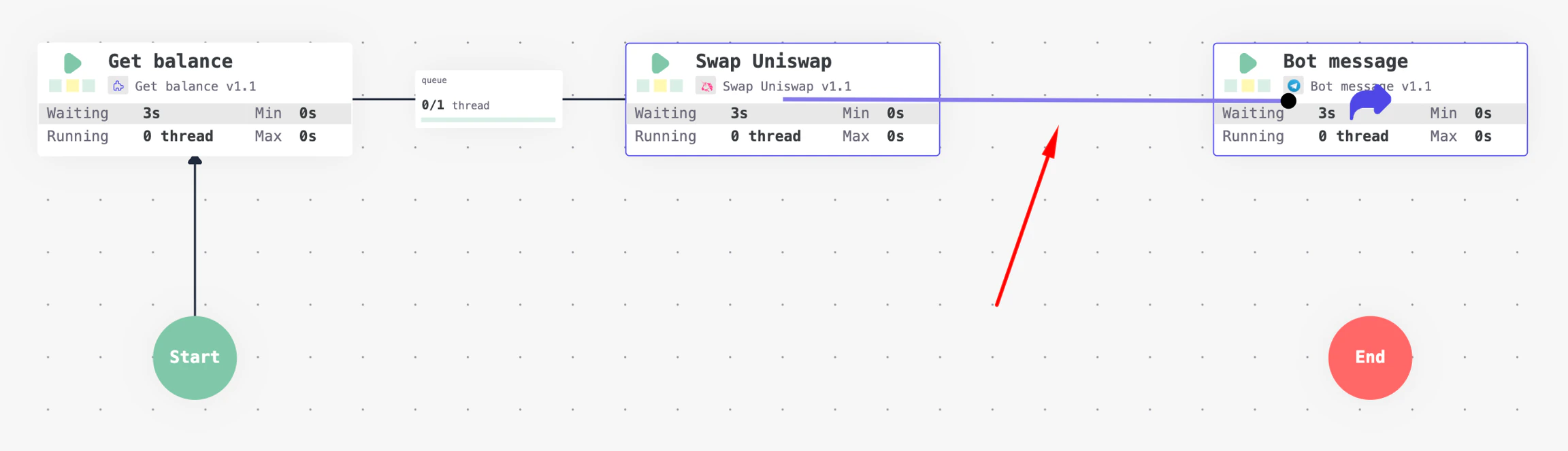
Drag from the Uniswap swap Processor and drop onto the Bot message Processor
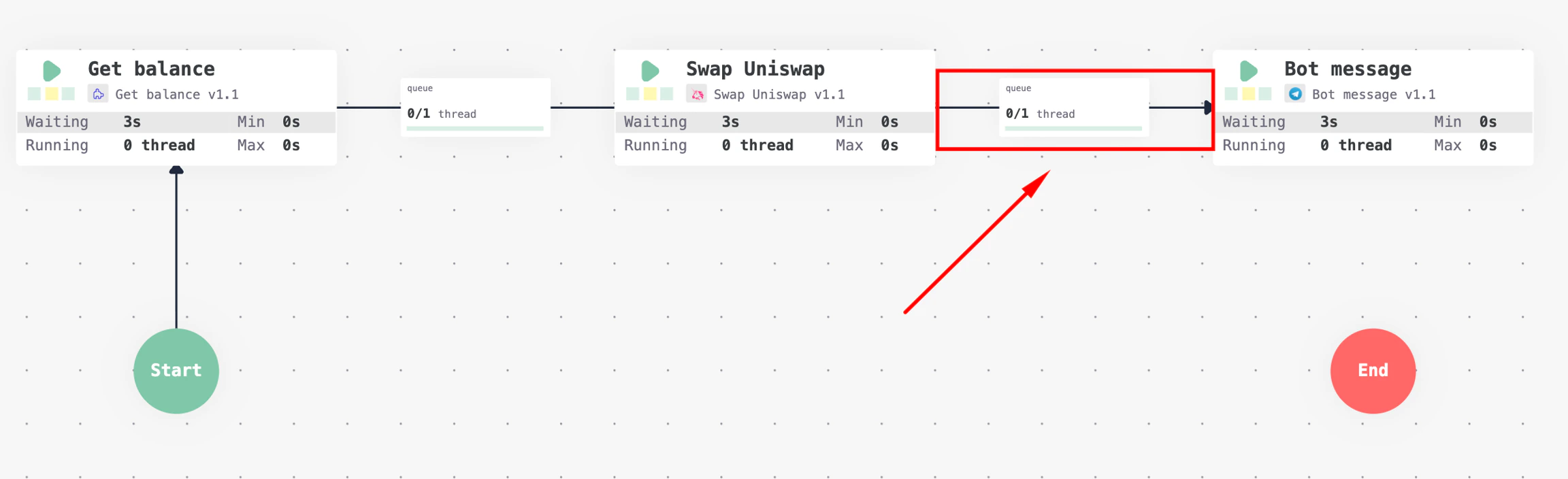
Connected Processors